
How to Register an Account on WHXEX Official Website
You can easily register an account on the WHXEX official website using your email address in just a few simple steps.
How to Register a Personal Account on WHXEX Official Website?
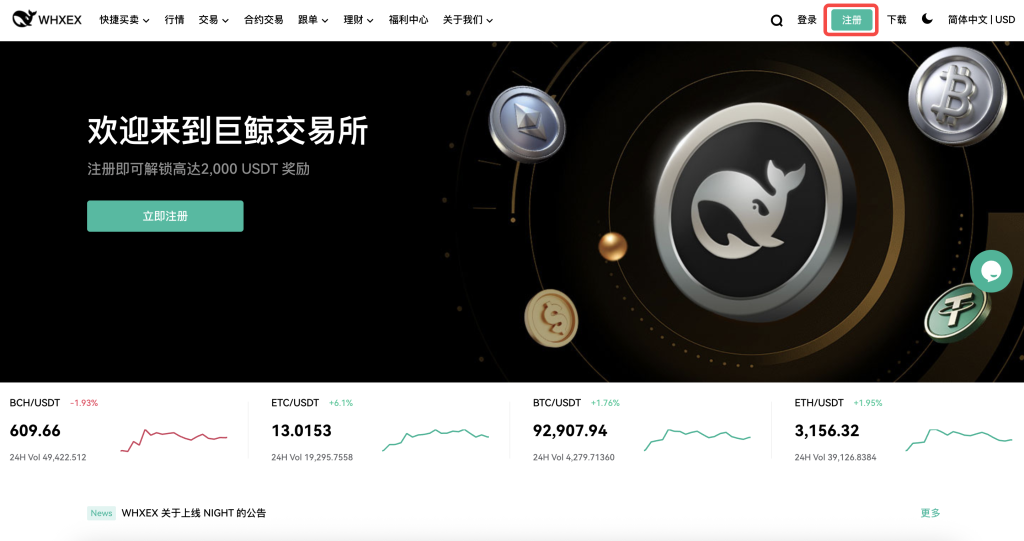
1. Go to the WHXEX official website and click the [Register] icon in the top navigation bar.
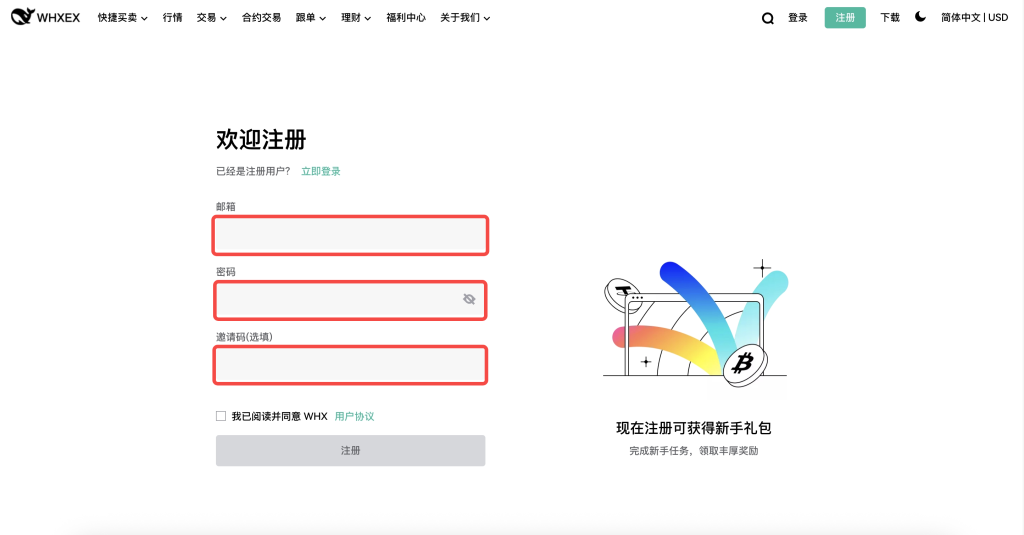
2. In the first red box, enter your registered email address. In the second red box, create a password that is at least 8 characters long and includes both numbers and letters. If you have an invitation code, enter it in the third red box.
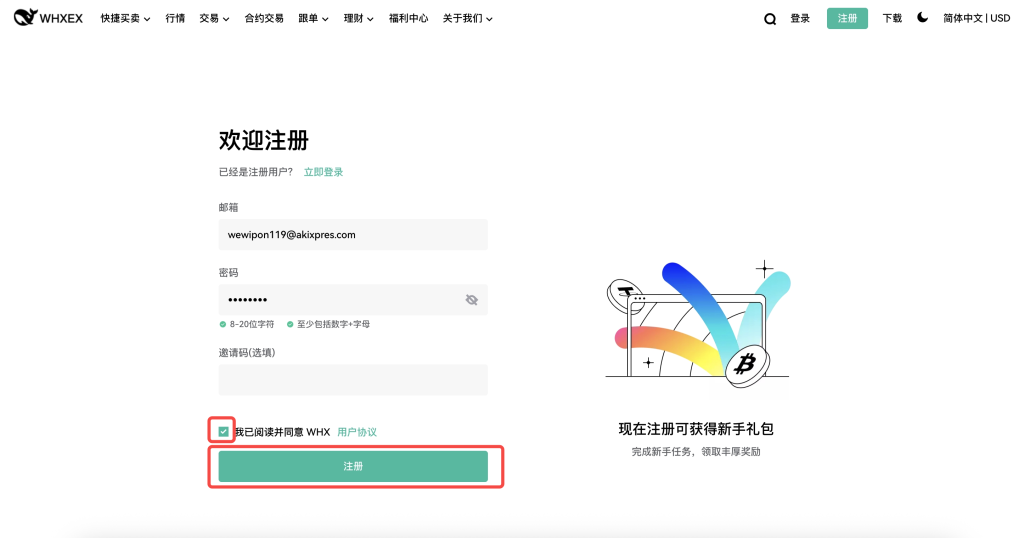
3. After filling out the form, check the box in the red area and click [Register].
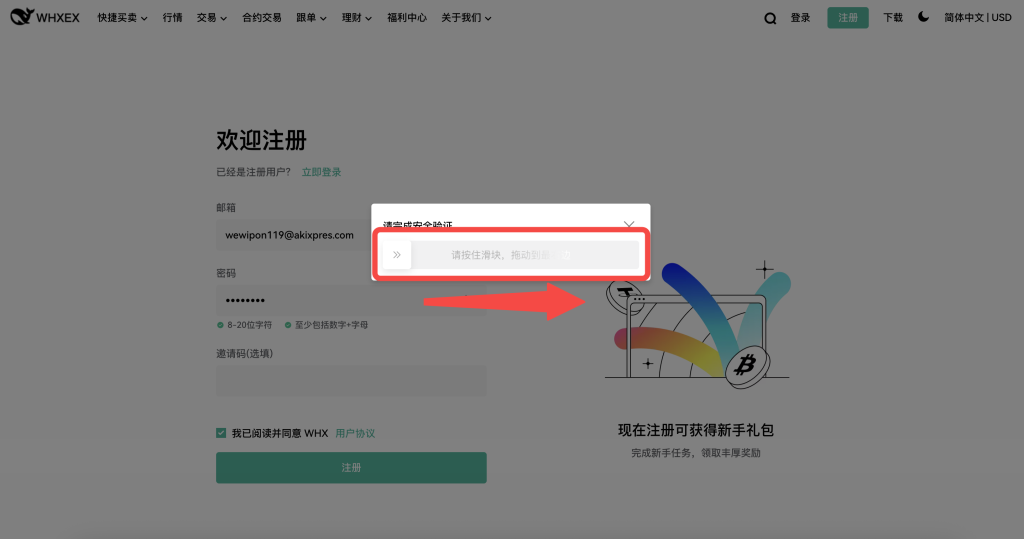
4. If prompted for a security verification, [slide the slider to the right] as instructed to complete the security check.
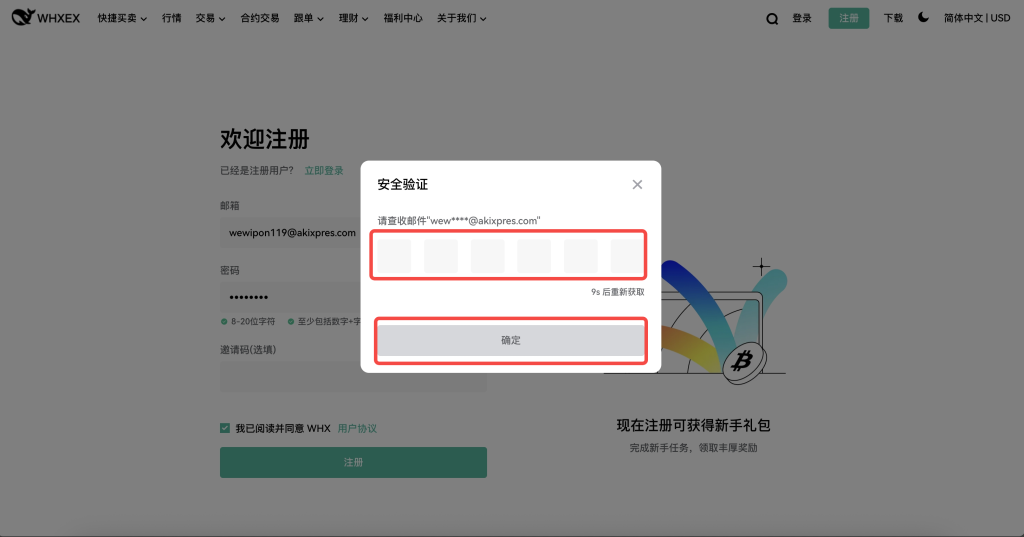
5. You will receive a 6-digit verification code via email. [Enter the code] in the top red box. If you don’t receive the code, check your email or resend it. After entering the code, click [Confirm] in the lower red box.
6. Congratulations! Your account has been successfully registered!