How to Create an API Key on WHXEX (Web Version)
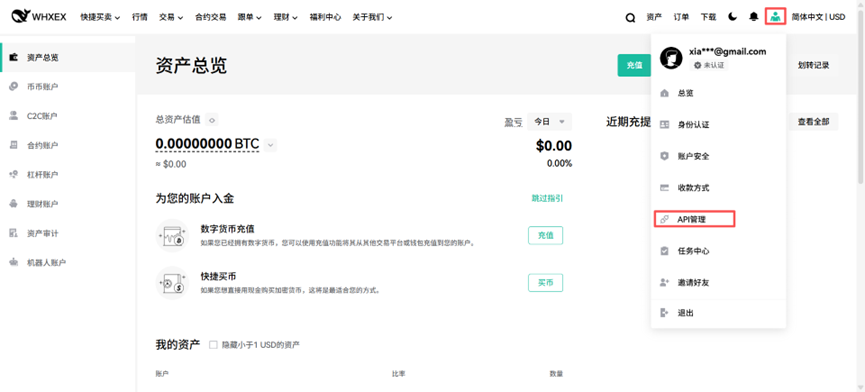
1. Log in to the WHXEX official website, access your account, click the user avatar in the top right corner, then select 【Account Settings】-【API Management】
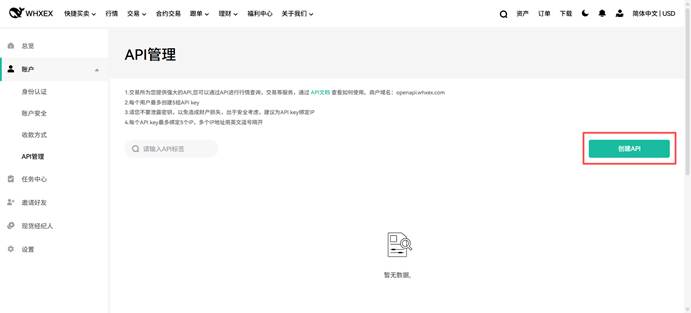
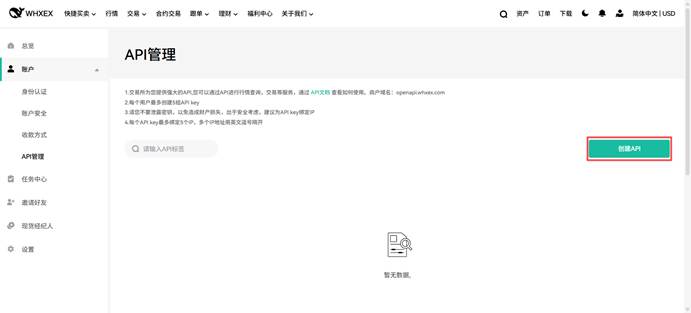
2. Click 【Create API】 in the top right corner of the page.
Important Notes:
1. The exchange provides a powerful API that allows you to query market data, execute trades, and more. Refer to https://exchangedocsv2.gitbook.io/open-api-doc-v2/ for usage instructions. API endpoint: openapi.whxex.com
2. Each user can create up to 5 API keys.
3. Do not disclose your keys to prevent asset loss. For security, it is recommended to bind IP addresses to your API key.
4. Each API key can bind up to 5 IP addresses; separate multiple IPs with English commas.
3. If you have not yet enabled Google Authenticator, click 【Enable Now】 to go to the 【Account Security】 page and complete the setup.
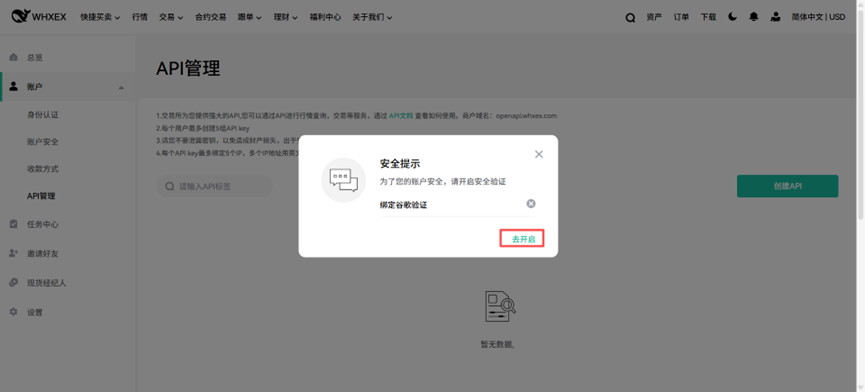
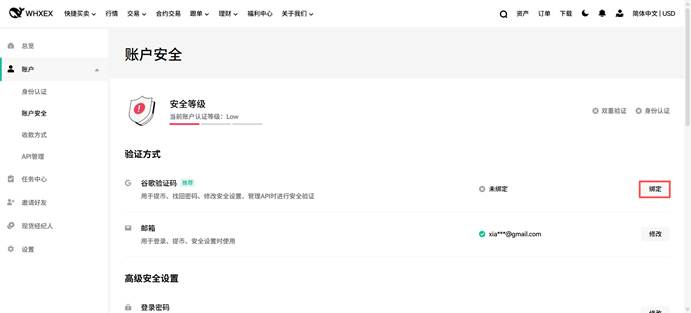
4. After binding Google Authenticator, return to the 【API Management】 page and click 【Create API】.
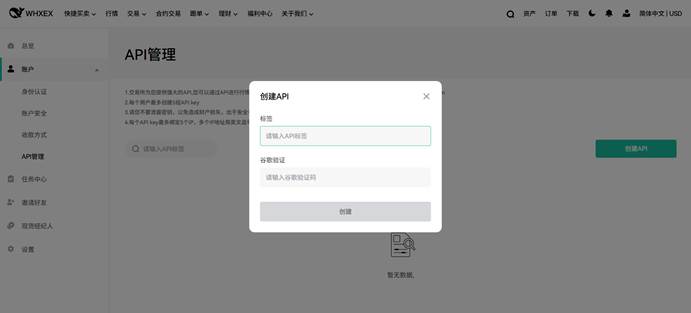
5. Fill in 【Label】 and 【Google Authenticator Code】.
6. API key has been created.
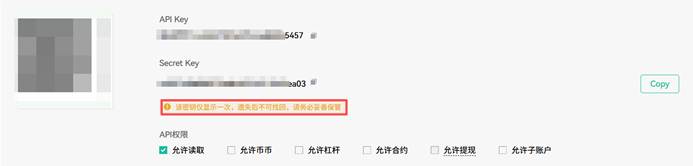
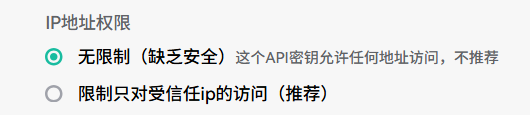
You can choose IP address permissions according to your needs. It is recommended to select 【Restrict access to trusted IPs only】.