
How to Complete Personal Account Identity Verification (Web Version)
You can access the Identity Verification page via 【Account】-【Identity Verification】, or click 【Verify】/【Verify Now】 on the homepage banner. This page displays your current verification level, which determines the transaction limits for your WHXEX account. To increase your limits, complete the identity verification for the corresponding level.
How to complete personal account identity verification on WHXEX Web?
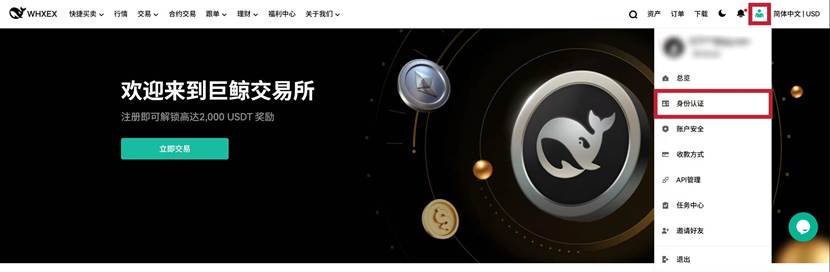
1. Log in to your WHXEX account, hover over your profile icon, then click 【Identity Verification】.
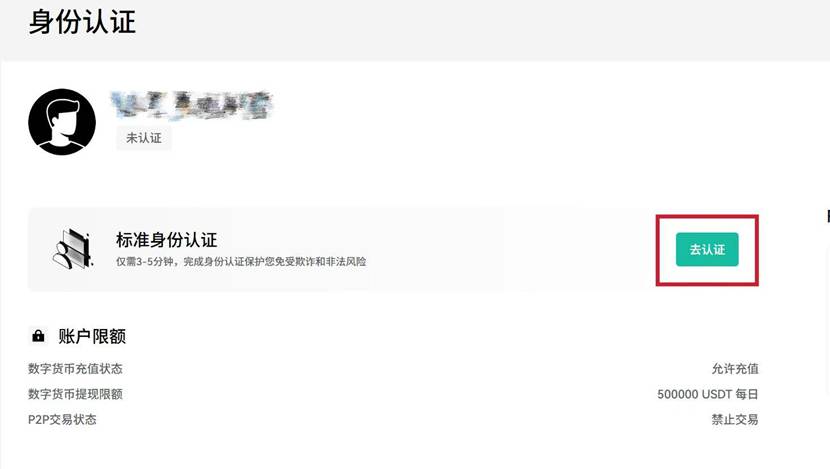
2. Click Verify Now
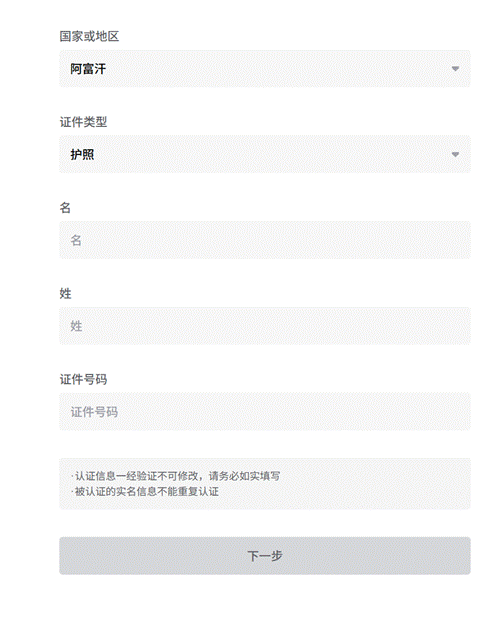
3. Select your country/region of residence and ID type. Enter your personal information and click Next
Ensure all information entered matches your ID document exactly. Once confirmed, the information cannot be changed.
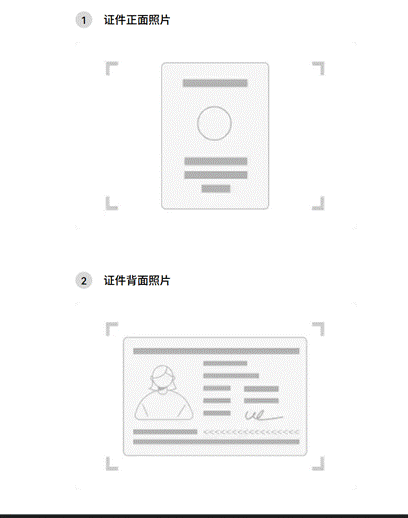
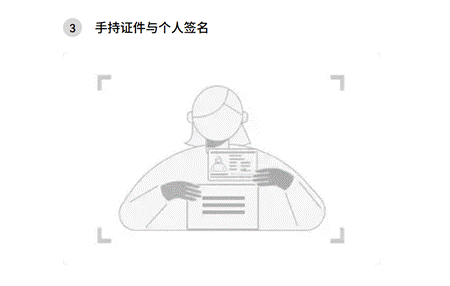
4. Next, you will need to verify your ID document. You can take a photo with your mobile camera or upload an image. Follow the instructions to capture a photo of yourself.
5. Click Submit. WHXEX will review your application promptly. Once approved, you will receive a notification.